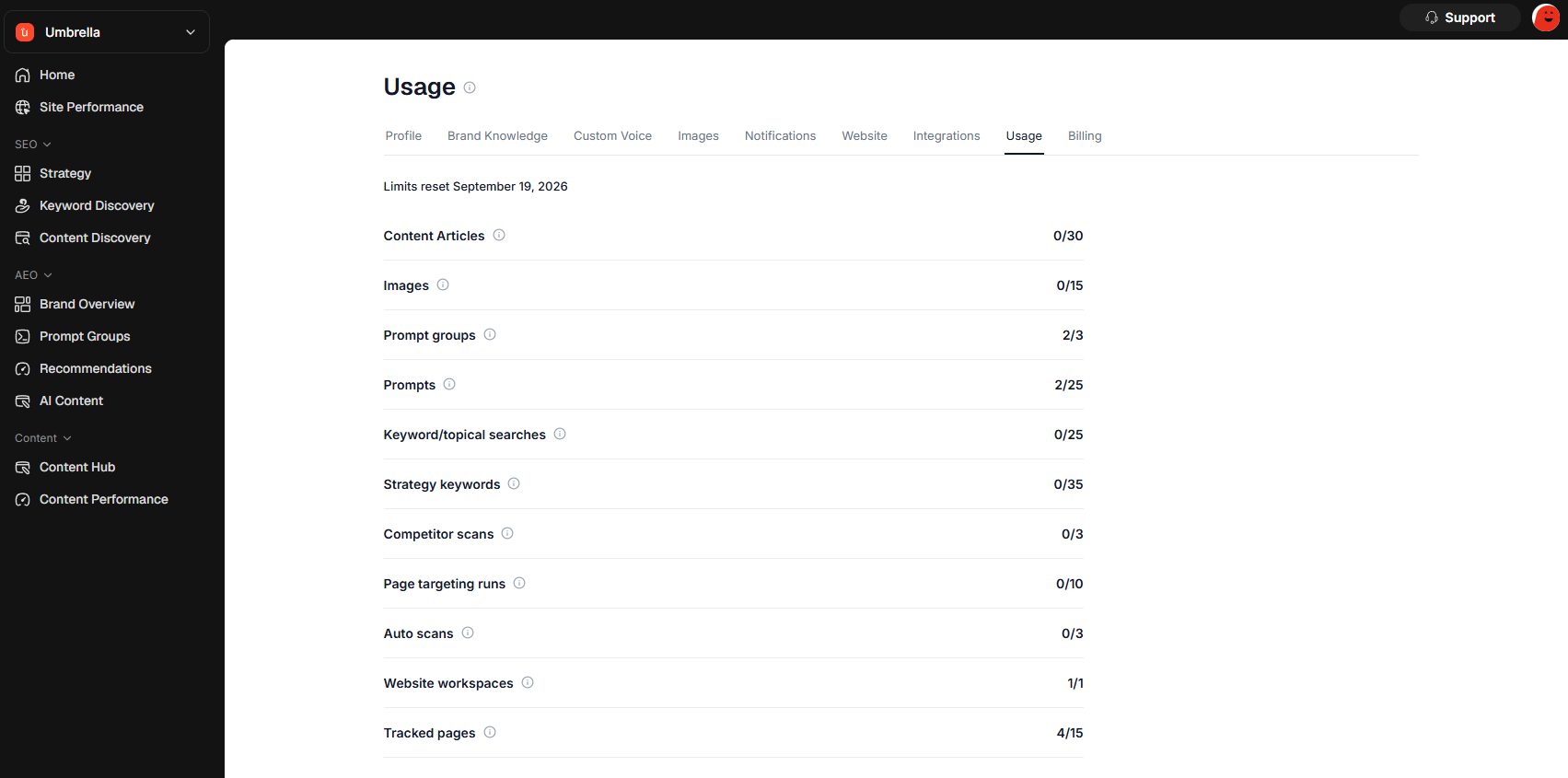
Usage shows how much of your plan allowance has been used. Use it to understand what is available for the current billing period.

What usage limits are for

Usage limits help show how much of each feature you have used. Your plan may include limits for things such as:
  • websites
  • strategy keywords
  • keyword or topical searches
  • auto scans
  • competitor scans
  • page targeting searches
  • tracked prompts
  • content articles
  • images
  • Serpy Optimize
  • imported pages

Account-wide usage

Some usage is counted across your whole account. This means activity from multiple websites may count toward the same plan limit. For example, content articles or prompt limits may apply across the account, depending on your plan.

Website-specific usage

Some usage may apply to a specific website. For example, certain keyword or strategy limits may be tied to the website you are working on.

Reset date

Usage limits reset based on your billing period. The Usage page can show when limits reset. Use this to understand when your next allowance begins.

If you reach a limit

If you reach a limit, some actions may be disabled until your usage resets or your plan changes. You may see disabled buttons or tooltips explaining why an action is unavailable.

Plan access

Some features may not be included on every plan. If a feature is not included, it may be hidden, disabled, or shown as unavailable.

Tips

Check Usage if a button is disabled. Review limits before running large scans. Use your limits on the actions that matter most. Upgrade your plan if you regularly hit limits. Remember that deleting something may not always reset usage for the current billing period.