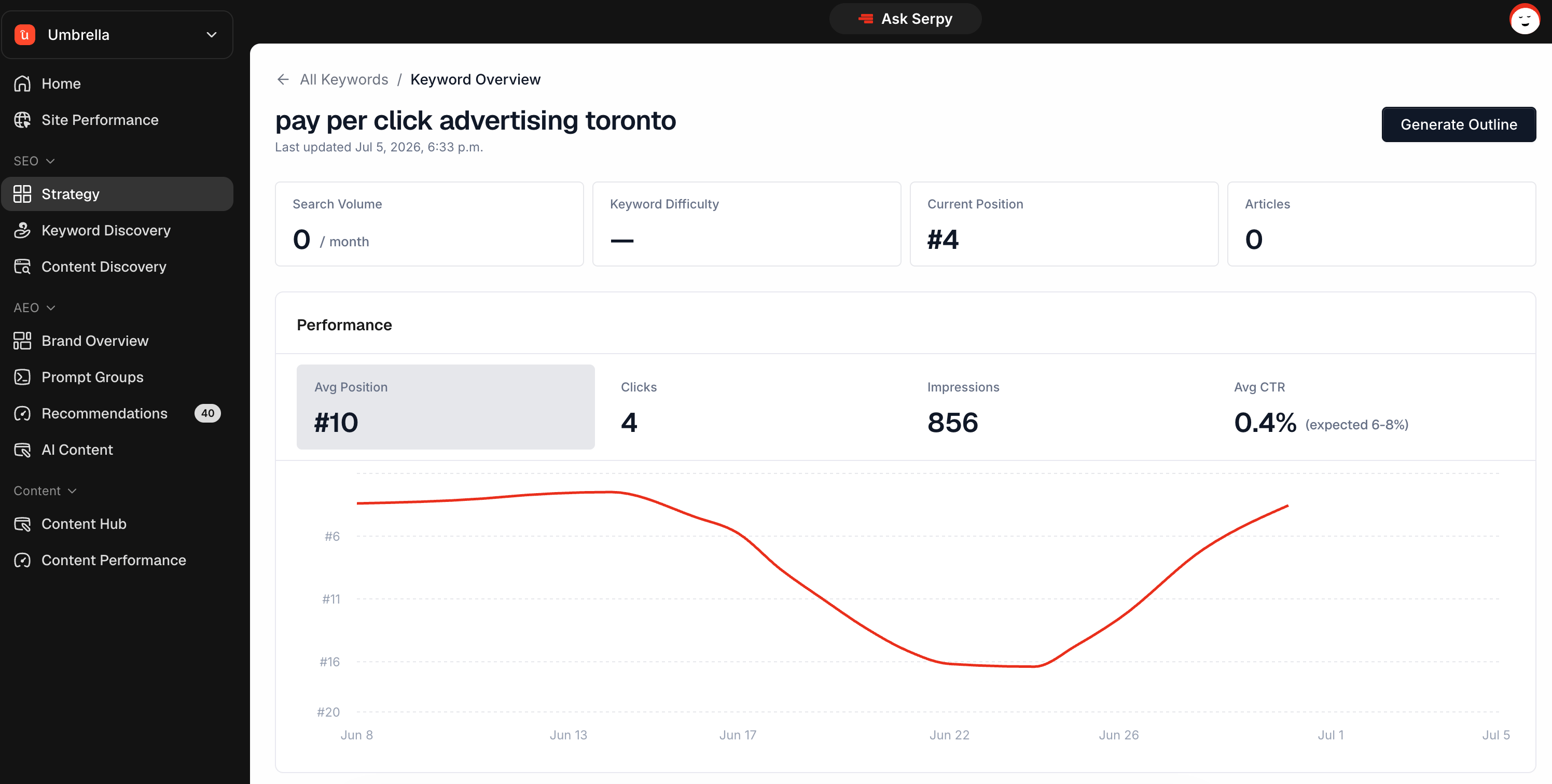
Keyword Overview gives you more detail about one specific keyword. Use it when you want to understand a keyword before creating content around it.

What Keyword Overview is for

Keyword Overview helps you review whether a keyword is worth targeting. It may show information such as:
  • keyword details
  • related keywords
  • pages connected to the keyword
  • performance data when available
  • content opportunities
Use this page before generating an outline if you want more context.

Pages ranking for the keyword

This section can show pages connected to the keyword. Use it to understand whether your website already has content related to the topic. If you already have a relevant page, you may want to improve that page instead of creating a new one. Related keywords show other terms connected to the main keyword. Use them to understand subtopics, variations, or supporting ideas. Related keywords can help you decide what the article should cover.

Performance

Performance shows search data when available. Use it to understand whether the keyword or related pages already have impressions, clicks, or activity. If there is no performance data, the keyword may still be useful, but you may need to rely on strategy and relevance.

Generate Outline

Use Generate Outline when you are ready to create content for the keyword. You will choose the country and content setup options before the outline is created. Review the outline before generating the article.

Tips

Check whether you already have a page for the keyword. Use related keywords to understand the topic better. Do not create duplicate content for the same intent. Use Generate Outline when the keyword is relevant and worth targeting.