

Where content can start
Content can be created from several places in Serpy. Common starting points include:- Content Hub
- Recommendations
- AI Visibility prompts
- Strategy keywords
- Topical clusters
- Keyword Research
- Content Discovery scans
- Page Targeting
Creating content from Content Hub
To create content from Content Hub:- Open Content Hub.
- Click Create Content.
- Enter one target keyword.
- Choose the country you want to optimize for.
- Choose a content type.
- Choose a custom voice if available.
- Add custom instructions if needed.
- Create the outline.

Target keyword
The target keyword tells Serpy what the content should focus on. Use one clear keyword or topic. Examples:- SEO consultants in Toronto
- best CRM for small businesses
- ecommerce SEO checklist
- project management tools for agencies
Country
The country helps Serpy understand the market you want to optimize for. Choose the country where your target audience is located. Different countries can have different search results, competitors, terminology, and content expectations.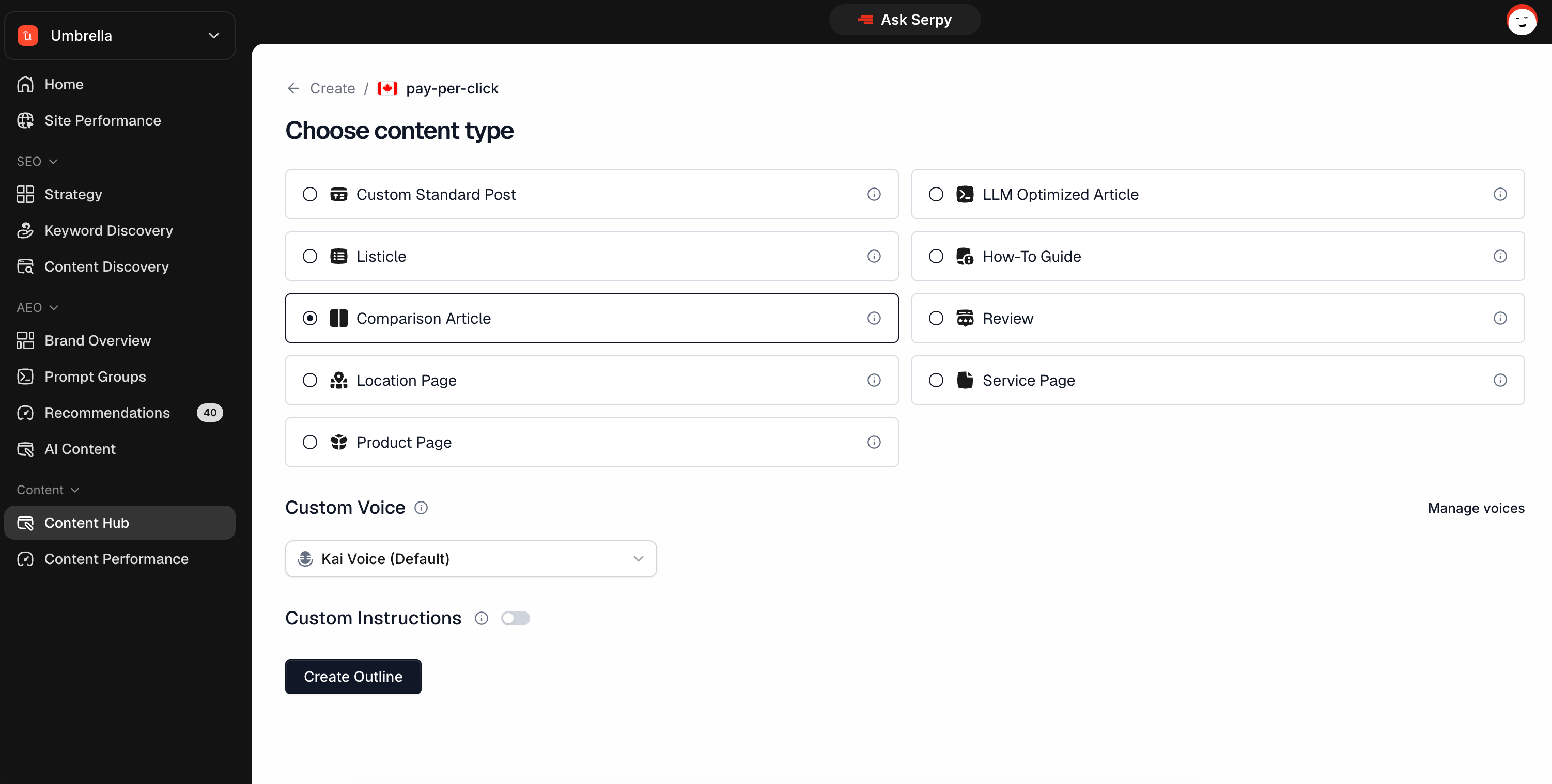
Content type
Content type tells Serpy what kind of page or article you want to create. Examples include:- Custom Standard Post
- LLM Optimized Article
- Listicle
- How-To Guide
- Comparison Article
- Review
- Location Page
- Service Page
- Product Page
Custom Voice
Custom Voice lets you write in a saved brand or personal writing style. If you have a default Custom Voice, Serpy can use it automatically. If you do not want to use a custom voice, choose Serpy as the default writing style.Custom instructions
Custom instructions let you give extra direction for one specific article. Use them when you want to include or avoid something specific. Examples:- Mention our Shopify SEO service.
- Do not mention pricing.
- Write for small business owners.
- Focus on Toronto-based companies.
- Include examples for SaaS brands.