

How to connect Framer
- Go to Settings.
- Open Integrations.
- Choose Framer.
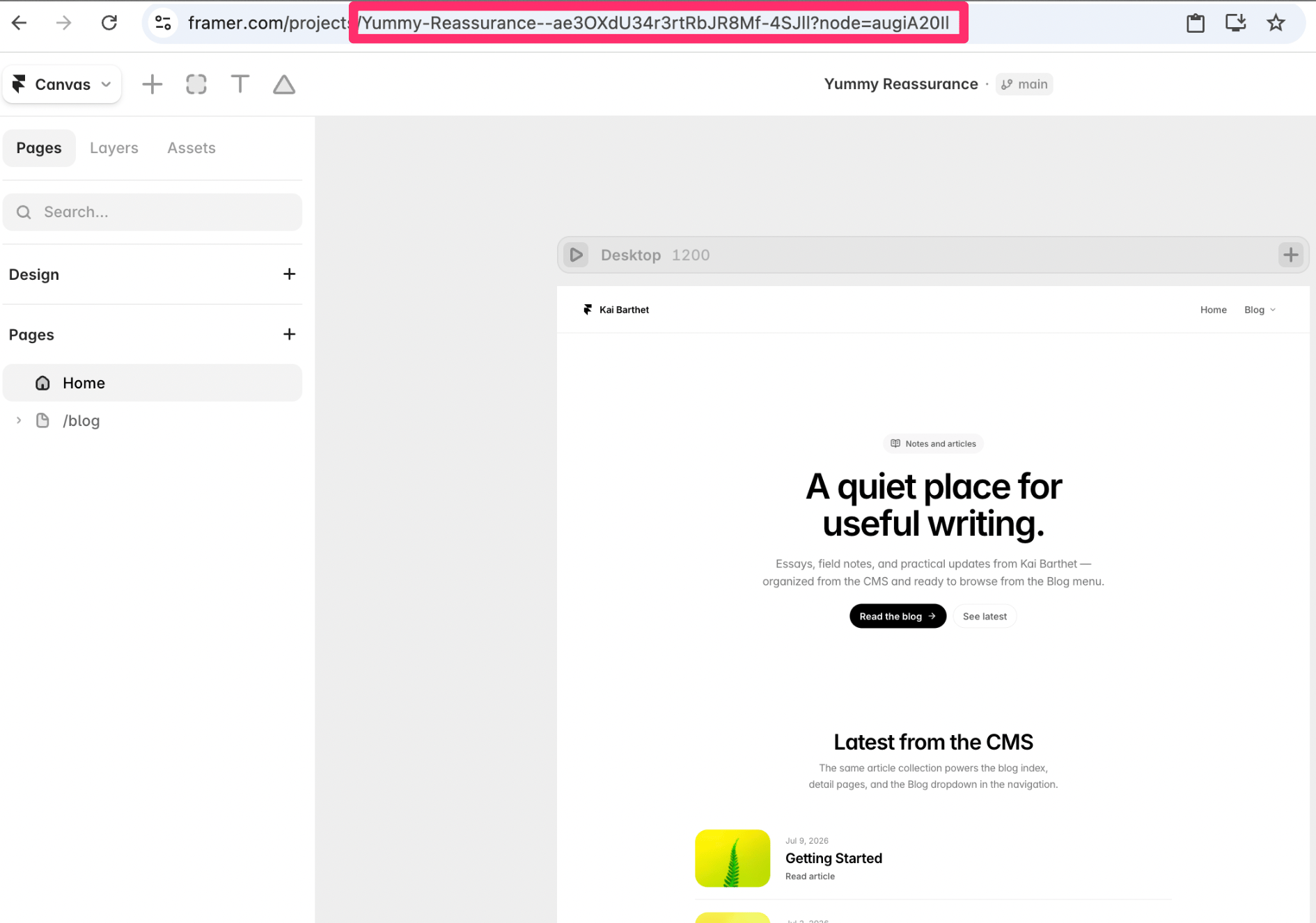
- Open your project in framer
- Switch to CMS in the “Canvas” dropdown
- Click on the CMS collection you would like your Serpy posts to be published to
- Copy the string/text in the url that comes after “node=”
- Open your website in framer
- Navigate to the Canvas dropdown
- Open settings from the Canvas dropdown
- Scroll down to API Keys (Beta)
- Add a new API key (use whatever name you would like)
- Copy the API key