

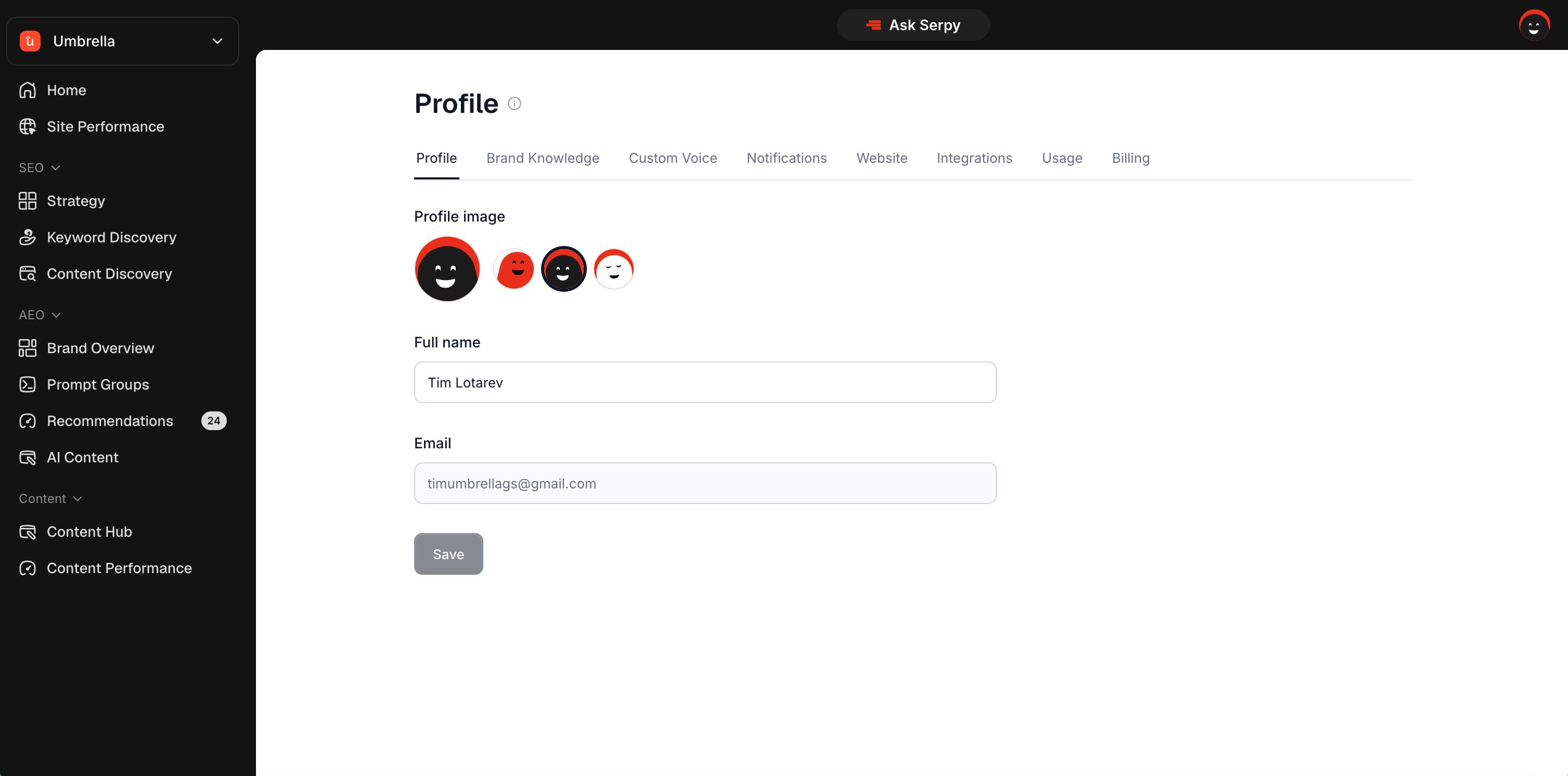
Profile settings
Profile settings manage your personal account details. You may be able to update:- profile image
- full name
Profile image
Your profile image appears in your Serpy account. Choose one of the available profile icons or use the current image if no change is needed.Full name
Your full name helps personalize your account. Update it if your name is incorrect or if another team member is using the account.Website settings
Website settings manage the current website workspace. You can use them to update the website name shown in Serpy. This is useful if the default name is unclear or if you want the sidebar to show a cleaner brand name.Deleting a website
Deleting a website removes that website workspace from your account. Before deleting, make sure you no longer need the data connected to that website. Deleting a website may remove:- website settings
- prompt groups
- content
- recommendations
- integrations
- performance data connected to that workspace